The Gluster Cluster
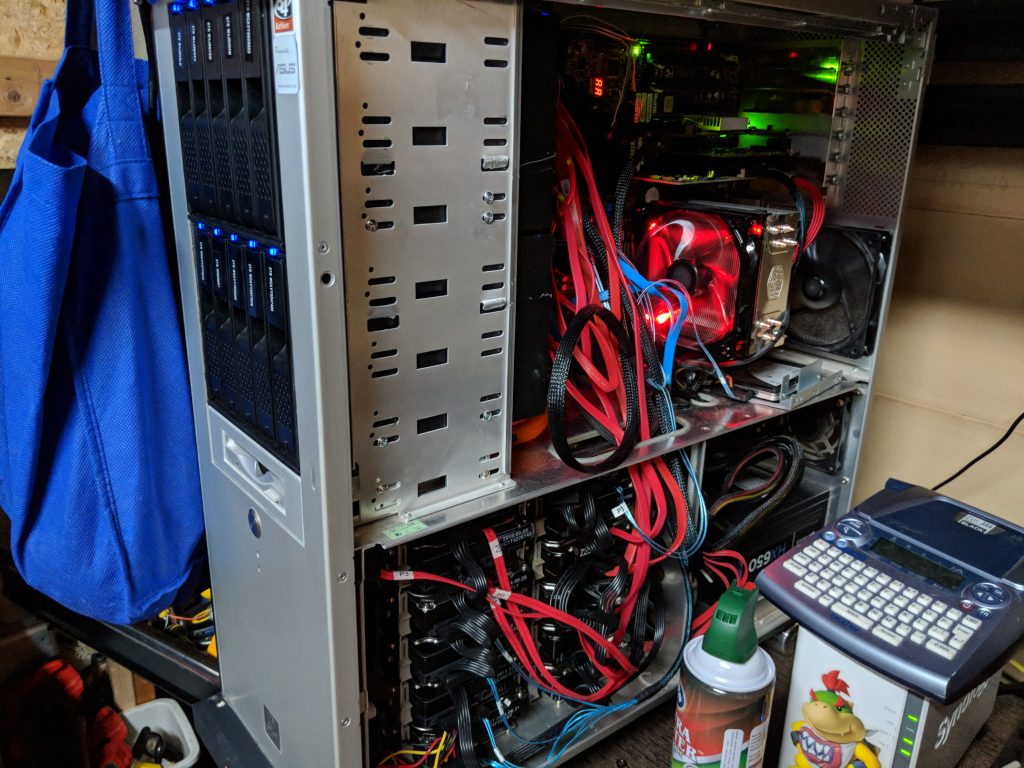
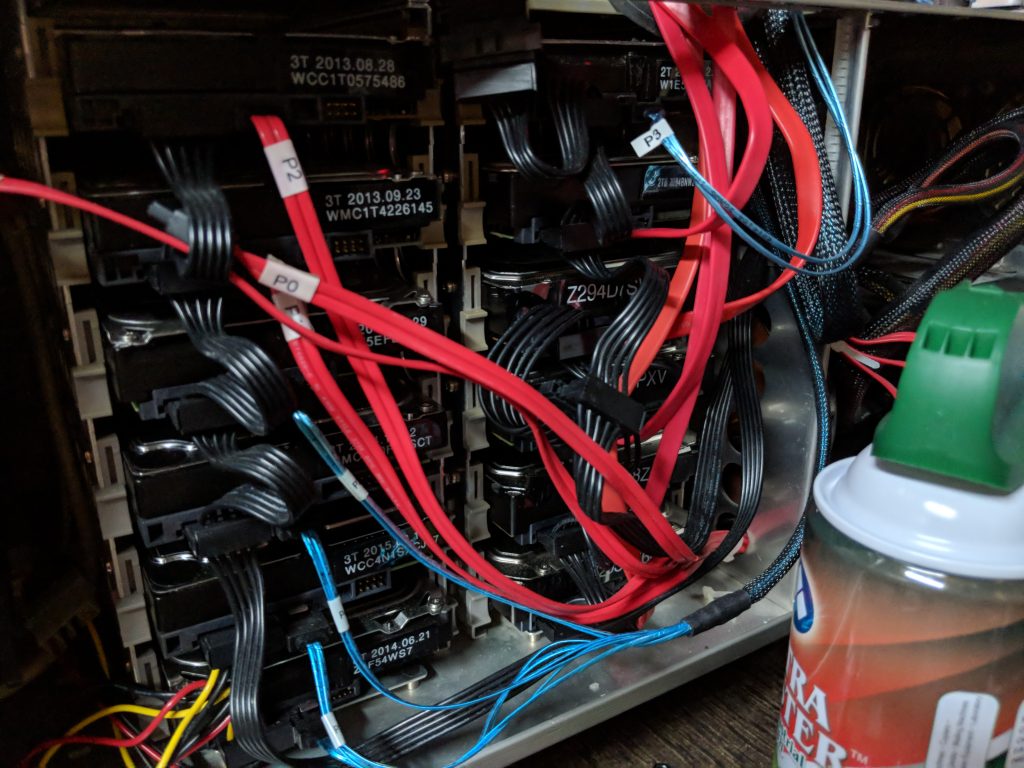
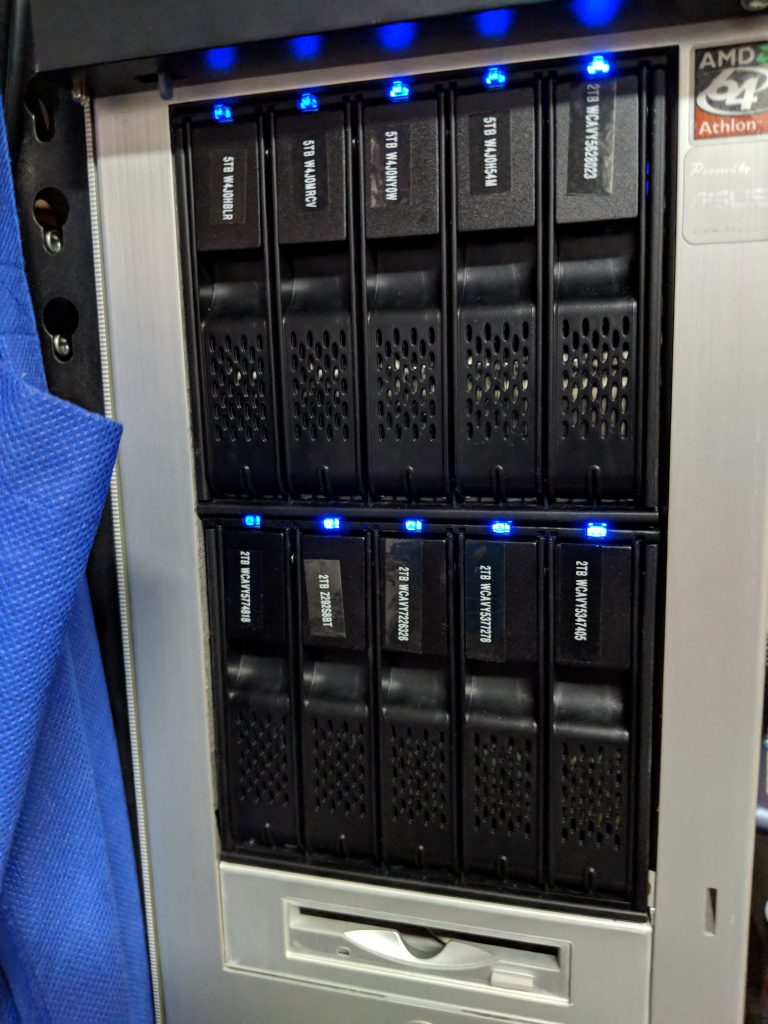
It is time to replace Goomba... He's been a good little beast, but i am physically out of space to add more hard disks; and frankly, this case simply will not be good for long-term storage...
I've decided to move to a GlusterFS cluster using system on chip boards (odroid HC2) This is how I do it... I am going to build out a 30 node cluster 5x (4+2 Dispersed) gluster cluster in increments of 6 at a time... First things first with this, you have to decide what you want running on your cluster, and how you want to share the data. I am going with standard CIFS/NFS only, no iSCSI. That said, I need to present the cluster as one, and have full failover in the event that the "primary" node goes down. Or, as i am doing research, I decided that I dont want a primary node... I went with CTDB as the sharing system. My configuration will be a little different than most, because I have an ActiveDirectory environment at home, but generally speaking, this is what you have to do to get CTDB running: if you are AD joined you need to edit /etc/krb5.conf default_realm = XERYAX.LOCAL # The following encryption type specification will be used by MIT Kerberos # if uncommented. In general, the defaults in the MIT Kerberos code are # correct and overriding these specifications only serves to disable new # encryption types as they are added, creating interoperability problems. # # The only time when you might need to uncomment these lines and change # the enctypes is if you have local software that will break on ticket # caches containing ticket encryption types it doesn't know about (such as # old versions of Sun Java). # default_tgs_enctypes = des3-hmac-sha1 # default_tkt_enctypes = des3-hmac-sha1 # permitted_enctypes = des3-hmac-sha1 # The following libdefaults parameters are only for Heimdal Kerberos. ATHENA.MIT.EDU = { kdc = x-dc1.xeryax.local kdc = x-dc2.xeryax.local admin_server = x-dc1.xeryax.local default_domain = xeryax.local } Then /etc/nsswitch.conf # /etc/nsswitch.conf # # Example configuration of GNU Name Service Switch functionality. # If you have the `glibc-doc-reference' and `info' packages installed, try: # `info libc "Name Service Switch"' for information about this file. passwd: winbind compat group: winbind compat shadow: winbind compat gshadow: files hosts: files dns networks: files protocols: db files services: db files ethers: db files rpc: db files netgroup: nis You would think that the samba configuration needs to be extremely complicated... but it is really simple: /etc/samba/smb.conf clustering = yes include =registry Thats it!!! the rest is configured later. For NFS: I use limited auth, as my network is rather constrained... so i am not worried about auth/squash issues. /etc/exports # /etc/exports: the access control list for filesystems which may be exported # to NFS clients. See exports(5). # # Example for NFSv2 and NFSv3: # /srv/homes hostname1(rw,sync,no_subtree_check) hostname2(ro,sync,no_subtree_check) # # Example for NFSv4: # /srv/nfs4 gss/krb5i(rw,sync,fsid=0,crossmnt,no_subtree_check) # /srv/nfs4/homes gss/krb5i(rw,sync,no_subtree_check) # /mnt/gv0/ *(rw,sync,all_squash,anonuid=1000,anongid=1000,no_subtree_check,fsid=11) /etc/defaults/nfs-kernel-server # Number of servers to start up RPCNFSDCOUNT=8 NFS_HOSTNAME="gluster" # Runtime priority of server (see nice(1)) RPCNFSDPRIORITY=0 # Options for rpc.mountd. # If you have a port-based firewall, you might want to set up # a fixed port here using the --port option. For more information, # see rpc.mountd(8) or http://wiki.debian.org/SecuringNFS # To disable NFSv4 on the server, specify '--no-nfs-version 4' here RPCMOUNTDOPTS="--manage-gids" # Do you want to start the svcgssd daemon? It is only required for Kerberos # exports. Valid alternatives are "yes" and "no"; the default is "no". NEED_SVCGSSD="" # Options for rpc.svcgssd. RPCSVCGSSDOPTS="" RPCNFSDARGS="-N 4" RPCNFSDCOUNT=32 STATD_PORT=595 STATD_OUTGOING_PORT=596 MOUNTD_PORT=597 RQUOTAD_PORT=598 LOCKD_UDPPORT=599 LOCKD_TCPPORT=599 STATD_HOSTNAME="$NFS_HOSTNAME" STATD_HA_CALLOUT="/etc/ctdb/statd-callout" Thats the basics -- I would save those files somewhere that you can easily copy to the nodes via a script (i will share my script later, and you can customize to fit your needs.) Step 1, install some stuff--- export DEBIAN_FRONTEND=noninteractive apt-get update && apt-get update && apt-get upgrade -y && apt-get dist-upgrade -y && apt-get autoremove -y && apt-get install -y glusterfs-server dnsutils net-tools hddtemp smartmontools gdisk ctdb samba libpam-heimdal heimdal-clients ldb-tools winbind libpam-winbind smbclient libnss-winbind software-properties-common xfsprogs samba-vfs-modules conntrack ethtool Disable all the default non-clustered shit systemctl disable smbd && systemctl disable winbind && systemctl stop smbd && systemctl stop winbind REBOOTI'm going to paste my nodeconfig script next, which is kinda commented... /mnt/gv0 is my gluster cluster, which you wont have until you at least get the basic nodes online, and a single gluster volume created. I also have telegraf being installed on each node, you dont need it, but it helps with monitoring. This is the 4+2 volume creation command line in my environment Important use DNS names if possible... it will help you later. gluster volume create gv0 disperse-data 4 redundancy 2 transport tcp gluster1:/data/brick1/gv0 gluster2:/data/brick1/gv0 gluster3:/data/brick1/gv0 gluster4:/data/brick1/gv0 gluster5:/data/brick1/gv0 gluster6:/data/brick1/gv0 #partition the brick #Format for xfs #mount it sgdisk -n 1 -g /dev/sda && mkfs.xfs -fi size=512 /dev/sda1 && mkdir -p /data/brick1 && echo '/dev/sda1 /data/brick1 xfs defaults 1 2' >> /etc/fstab && mount -a && mount && mkdir -p /data/brick1/gv0 echo 'localhost:/gv0 /mnt/gv0 glusterfs defaults,_netdev 0 0' >> /etc/fstab && mkdir -p /mnt/gv0 && mount /mnt/gv0 #mount the gluster volume so you can copy configs from it #telegraf #ctdb #hddtemp mount -t glusterfs gluster:/gv0 /mnt/gv0 cp -rdf /mnt/gv0/nodeconfig/telegraf/etc/telegraf /etc/ && cp -rdf /mnt/gv0/nodeconfig/telegraf/etc/logrotate.d/telegraf /etc/logrotate.d/ && cp -rdf /mnt/gv0/nodeconfig/telegraf/usr/bin/telegraf /usr/bin && cp -rdf /mnt/gv0/nodeconfig/telegraf/usr/lib/telegraf /usr/lib/ && cp -rdf /mnt/gv0/nodeconfig/telegraf/var/log/telegraf /var/log/ && /mnt/gv0/nodeconfig/telegraf/post-install.sh && cp -rdf /mnt/gv0/nodeconfig/hddtemp /etc/default/hddtemp && systemctl enable telegraf && systemctl restart hddtemp && systemctl start telegraf #kerberos settings cp -rdf /mnt/gv0/nodeconfig/nsswitch.conf /etc/nsswitch.conf && cp -rdf /mnt/gv0/nodeconfig/krb5.conf /etc/krb5.conf && cp -rdf /mnt/gv0/nodeconfig/smb.conf /etc/samba/smb.conf #Disable Samba systemctl disable smbd && systemctl disable winbind && systemctl stop smbd && systemctl stop winbind #copy ctdb settings from gv0 rm -rf /etc/ctdb/ctdbd.conf && rm -rf /etc/ctdb/nodes && rm -rf /etc/ctdb/public_addresses && ln -s /mnt/gv0/lock/ctdb /etc/ctdb/ctdbd.conf && ln -s /mnt/gv0/lock/nodes /etc/ctdb/nodes && ln -s /mnt/gv0/lock/public_addresses /etc/ctdb/public_addresses #start ctdb systemctl enable ctdb && systemctl start ctdb #fix nfs cp /mnt/gv0/nodeconfig/nfs/exports /etc/exports && cp /mnt/gv0/nodeconfig/nfs/nfs-* /etc/default/